5 Free Google Tools That Will Transform Your Business in 2026
Learn to implement 5 essential free Google tools—Analytics, Trends, Alerts, Business Profile & Search Console—to boost your business performance in 2026.
 Written byPrithvi Jadwani
Table of contents
Summarize this article with AI
TL;DR
Most businesses are sitting on a goldmine of free tools and don't even know it. Google's suite of free platforms gives you enterprise-level analytics, SEO insights, market intelligence, and local visibility without spending a single dollar. I've used these exact tools to help 250+ clients generate over $35M in revenue. Here's how you can do the same.
- Data-Driven Decisions. Google Analytics 4 predicts customer behavior and identifies revenue opportunities automatically with AI-powered insights
- SEO Visibility. Search Console shows exactly which queries bring visitors and helps fix technical issues before they kill your rankings
- Local Dominance. Business Profile puts you in local pack results, Maps, and knowledge panels where customers actually search
- Market Intelligence. Google Trends reveals emerging opportunities before competitors catch on, with real-time search data and seasonal patterns
- Brand Monitoring. Google Alerts tracks brand mentions, competitor moves, and link opportunities automatically delivered to your inbox
Why Free Google Tools Are Essential for Business Growth in 2026
I turned down a $15,000/month client in 2023 because the timing wasn't right. Four months later, they sent us $130,000 in referrals. That decision was informed by data from free Google tools showing us we were at capacity and needed to focus on existing clients first.
Most founders think you need expensive software subscriptions to compete. Wrong. Google hands you enterprise-level capabilities for free, and most businesses barely scratch the surface. I've built a seven-figure agency using these exact tools as the foundation of every client strategy.
The digital landscape in 2026 rewards businesses that move fast with accurate data. AI integration across Google's platforms means these tools now predict trends, automate insights, and surface opportunities you'd miss manually. But here's what nobody tells you: having the tools means nothing if you don't know how to actually use them.
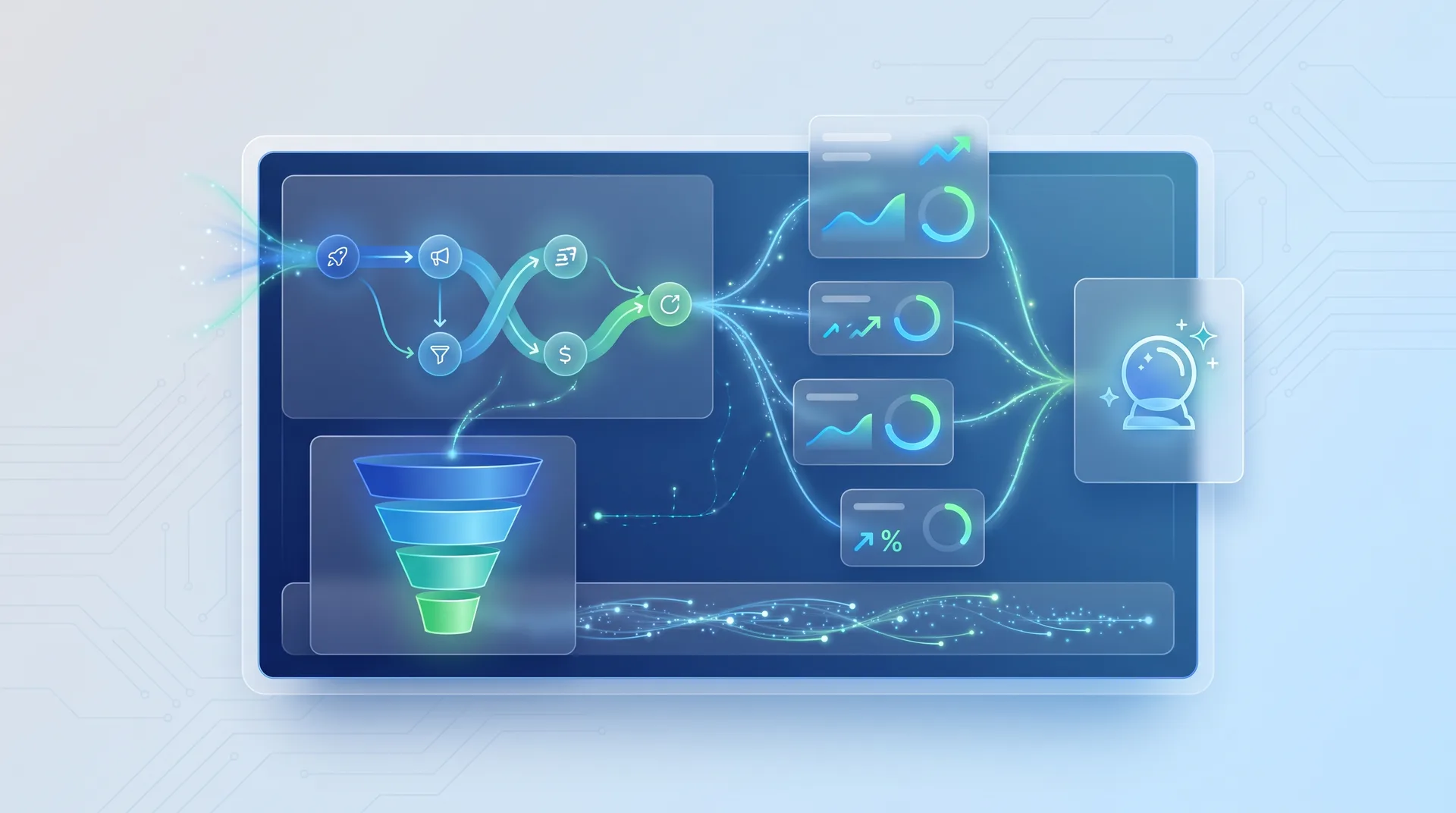
Google Analytics 4: Your Complete Customer Intelligence Platform
Google launched the new Analytics in 2020 with a clear message: the old way of measuring websites was dead. GA4 isn't just an upgrade. It's a complete reimagining of how businesses understand customer behavior.
I tested this extensively when it first rolled out. The AI-powered insights alone saved me 10+ hours per week of manual data analysis. GA4 automatically flags anomalies, predicts which users are likely to convert, and identifies revenue opportunities I would have missed looking at raw numbers.
Event-based tracking captures every meaningful interaction, not just page views. You see the complete customer journey.
Cross-platform measurement unifies web and app data. No more fragmented reporting across channels.
Predictive metrics use machine learning to forecast purchase probability and potential revenue per user.
Privacy-first design works without cookies. You're prepared for the cookieless future that's already here.
Google Ads integration feeds conversion data directly into your ad campaigns for automated bidding optimization.
Most businesses make one critical mistake with GA4: they set it up and expect magic. Here's the truth. You need to configure custom events for actions that matter to your business. Track form submissions, video plays, scroll depth, file downloads. Whatever indicates real engagement.
Common GA4 Questions
How is GA4 different from Universal Analytics?
GA4 uses event-based tracking instead of session-based. Every interaction is an event, giving you much more granular data. It also includes predictive analytics powered by machine learning and works across web and app properties in a single view.
Do I need to know code to set up GA4 properly?
Basic setup requires zero coding. Just add the tracking code to your site. But to unlock the real power, you'll want to configure custom events and conversions. Google Tag Manager makes this easier, though it has a learning curve.
How long does it take to see useful data in GA4?
You'll see traffic data immediately. But predictive metrics and AI insights need at least 7 days of data, preferably 30. The longer GA4 runs, the smarter it gets about your specific audience patterns.
Can GA4 track offline conversions?
Yes, through data import features. You can upload offline conversion data (like phone sales or in-store purchases) and GA4 will attribute them to the original traffic sources. This gives you true multi-channel attribution.
What's the biggest mistake businesses make with GA4?
Not configuring custom conversions. GA4 tracks everything, but you need to tell it what matters. Define your key conversion events clearly, whether that's purchases, form fills, or demo requests.
Google Search Console: Master Your SEO Performance
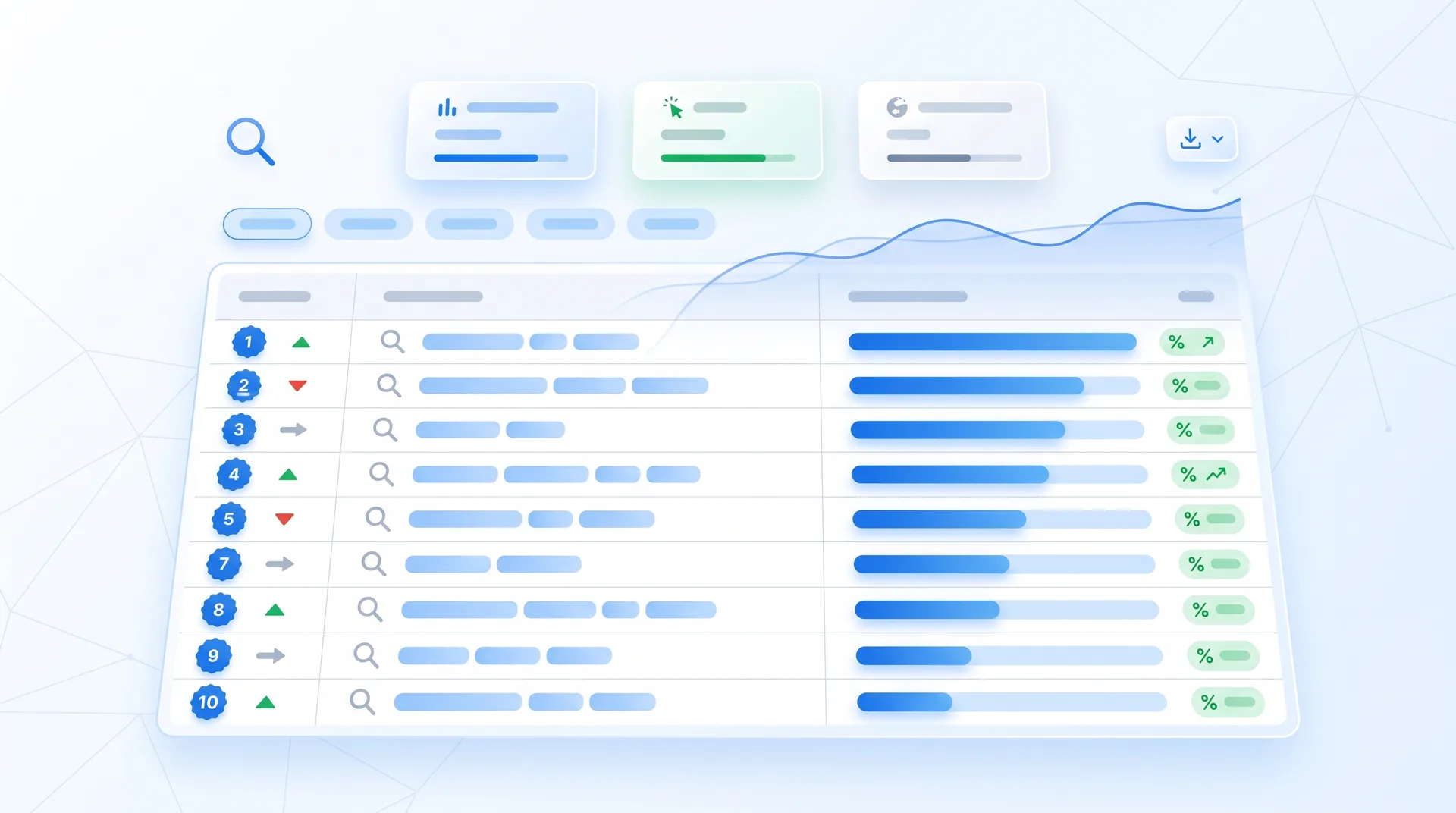
Search Console is where the money lives. I check this tool every single Monday morning without fail. It tells you exactly which search queries bring visitors to your site, which pages rank where, and what's broken before it costs you traffic.
Most SEO tools charge hundreds per month for data that Search Console gives you for free. The difference? Search Console pulls directly from Google's index. It's not an estimate. It's the actual source of truth.
Query Performance
See every search term that triggered your pages in results. Find high-impression, low-click opportunities to optimize.
Technical Issues
Get alerts for crawl errors, mobile usability problems, and security issues before they tank your rankings.
Indexing Status
Know exactly which pages Google has indexed and request immediate crawling for new content.
Core Web Vitals
Track page speed and user experience metrics that directly impact rankings in 2026.
Here's a move that most people miss. Sort your queries by impressions, then filter for positions 11-20. These are keywords where you're almost ranking on page one. A simple title tag tweak or content update can push you into the top 10, where the actual clicks happen.
Weekly Search Console Routine
Check Performance report for new high-impression queries to target
Review Coverage report for any new indexing errors
Analyze click-through rates and update low-performing meta descriptions
Submit new content URLs for faster indexing
Monitor Core Web Vitals for pages that need speed optimization
Check manual actions and security issues panel
Google's SEO Starter Guide walks through the basics of using Search Console effectively. But the real value comes from acting on what you find. Data without action is just noise.
Google Business Profile: Dominate Local Search Results
Local search has become brutally competitive. When someone searches for a service near them, three businesses show up in the local pack before any organic results. If you're not one of those three, you're invisible.
Google Business Profile is your ticket to that local pack. It's also completely free, which blows my mind given how much visibility it provides. I've seen clients double their foot traffic just by optimizing their profile properly.
The 2026 updates to Business Profile are significant. AI-driven search features now influence whether a profile earns visibility before traditional ranking factors even kick in. Businesses that ignore profile optimization are handing customers to competitors on a silver platter.
Complete your profile 100%. Businesses with complete profiles get 7x more clicks than incomplete ones. Add every category, attribute, service, and photo.
Respond to every review. Google tracks response rates and factors them into local rankings. Thank positive reviews. Address negative ones professionally.
Post weekly updates. Treat your Business Profile like a mini social media account. Share offers, events, products, and news to stay visible.
Add high-quality photos. Businesses with photos get 42% more requests for directions and 35% more clicks to their websites.
Use the Q&A feature. Seed common questions yourself if customers haven't asked yet. This content shows up in search results.
Enable messaging. Let customers contact you directly through your profile. Fast response times improve rankings.
Pros
Shows up in Maps, local pack, and knowledge panels for maximum visibility
Free website builder included if you don't have a site yet
Direct integration with Google Ads for location-based campaigns
Insights show exactly how customers find and interact with your listing
Reviews and ratings build trust and influence purchase decisions
Cons
Requires consistent management to maintain visibility
Negative reviews are public and permanent (but can be responded to)
Competitors can suggest edits to your profile (though you can reject them)
Algorithm changes can impact rankings without warning
Google Trends: Uncover Market Insights and Content Opportunities
Google Trends is criminally underused. It shows you exactly what people are searching for right now, where they're searching from, and how interest changes over time. This is market research that companies used to pay six figures for.
I use Trends every time we plan content for clients. You can see which topics are trending up, compare multiple keywords to pick the best one, and identify seasonal patterns months in advance. This isn't guesswork. It's actual search volume data from billions of queries.
Real-Time Data
See what's trending right now. Catch emerging topics before they peak and your competitors flood in.
Keyword Comparison
Compare up to 5 search terms to identify which has the most potential for your content strategy.
Seasonal Patterns
Spot yearly trends to time your campaigns perfectly. Know when demand peaks for your products or services.
Related Queries
Discover adjacent topics and long-tail keywords people are actually searching for.
Geographic Insights
See where interest is strongest to focus regional marketing efforts and expansion decisions.
YouTube Trends
Separate YouTube search data helps plan video content strategy with topics proven to have demand.
Here's how I actually use this. Before writing any piece of content, I plug the topic into Trends. If interest is declining, I skip it or angle it differently. If it's rising, I move it up the priority list. If it's seasonal, I schedule it for the right time of year.
The Related Queries section is gold for SEO strategy. It shows you what else people search for around your topic. These are ready-made content ideas and long-tail keywords with proven demand.
Google Alerts: Stay Ahead with Automated Monitoring
Google Alerts is the simplest tool in this list and probably the most overlooked. It monitors the entire web for keywords you specify and emails you when new content appears. Set it up once, get intelligence delivered automatically forever.
I have 23 active alerts running right now. Some track our brand name. Others monitor competitor mentions. A few watch for industry terms where we could contribute expert quotes or earn backlinks. It takes 2 minutes to set up and runs on autopilot.
Brand monitoring: Get notified instantly when someone mentions your company, products, or key people. Respond to customer feedback and manage your reputation proactively.
Competitor intelligence: Track what your competitors are doing, where they're getting coverage, and how the market reacts. No manual stalking required.
Link opportunities: Set alerts for keywords in your industry. When sites publish related content, you can reach out with expert commentary or resources.
Content syndication: Monitor your own content to see where it gets republished. Make sure attribution is correct and relationships are maintained.
Industry news: Stay current without spending hours reading every publication. Get the important stuff delivered automatically.
Client mentions: If you serve clients, set up alerts for their brands too. You'll often spot opportunities or issues before they do.
The key is customizing frequency and sources. Daily alerts for your brand name. Weekly digests for industry terms. Filter out low-quality sources to avoid noise. A well-configured alert system becomes your personal intelligence network.
I found three major link building opportunities last month just from Google Alerts. Publications mentioned topics we're experts in, we reached out with additional insights, and they linked to our content. Zero outreach cost, maximum value.
Prithvi Jadwani, TechDevs Strategy Session
How to Integrate These Free Google Tools for Maximum Impact
Each tool is powerful alone. Together, they create a complete business intelligence system. But most businesses use them in silos and miss the real value.
The magic happens when you connect these tools and let data flow between them. Search Console shows which keywords bring traffic. You plug those into Trends to see if interest is growing. Then track conversions from that traffic in Analytics. That's how you make decisions that actually move revenue.
Integration Strategies
How do I connect Analytics and Search Console?
In GA4, go to Admin > Property Settings > Product Links > Search Console Links. This adds Search Console data directly into your Analytics reports, showing which organic queries drive the most valuable traffic.
What's the best way to use Trends data in my content strategy?
Before creating any content, check Google Trends for your target keyword. Look at the 5-year trend line. If it's rising, create the content and track performance in Search Console. If it's declining, find a better topic or angle it toward a rising related query.
How should I use Google Alerts with my other tools?
Set alerts for keywords you're targeting in Search Console. When competitors or industry sites publish content on those topics, you'll know immediately. This helps you identify content gaps, link opportunities, and competitive threats.
Can I combine Business Profile data with Analytics?
Yes. Business Profile insights show how people find your listing (search vs. Maps vs. direct). Cross-reference this with Analytics to see how local traffic behaves differently from organic search traffic. This helps optimize both channels.
How do I create a unified dashboard from all these tools?
Use Google Data Studio (now Looker Studio). It's free and connects to Analytics, Search Console, and other Google properties. Build custom dashboards that pull data from multiple sources into one view.
What's the most important integration to set up first?
Analytics + Search Console. This single connection gives you the complete picture of organic search performance, from impressions to conversions. Everything else builds on this foundation.
Integration Checklist
Link Google Analytics 4 with Search Console for unified reporting
Connect Business Profile to track local vs. organic traffic sources
Set up Google Alerts for your top Search Console keywords
Create a Trends monitoring routine for content planning
Build a Looker Studio dashboard combining all data sources
Schedule weekly reviews to analyze data and take action
I spend 30 minutes every Monday morning reviewing data from these five tools. Search Console shows what's working in SEO. Analytics reveals what converts. Business Profile tells me about local performance. Trends guides content planning. Alerts surface opportunities. That's my entire business intelligence system, and it costs exactly zero dollars.
Getting Started: Your 30-Day Implementation Plan
You don't need to master everything at once. Start with one tool, get it working properly, then add the next. Here's the exact sequence I use when onboarding new clients.
Week 1: Setup
Install GA4 tracking code. Verify Search Console property. Claim Business Profile. Set up 5 Google Alerts. Create Trends watchlist.
Week 2: Configuration
Define conversion events in Analytics. Link Search Console to GA4. Complete Business Profile 100%. Configure alert frequency and filters.
Week 3: Optimization
Add photos and posts to Business Profile. Request reviews. Submit sitemap in Search Console. Start first content piece based on Trends data.
Week 4: Analysis
Review first month of Analytics data. Identify top Search Console queries. Check Business Profile insights. Create baseline metrics report.
The biggest mistake is trying to do everything perfectly from day one. You'll get overwhelmed and quit. Instead, get each tool running at 80% capacity and improve from there. Imperfect action beats perfect planning every single time.
30-Day Action Plan
Day 1-3: Set up Google Analytics 4 and add tracking code to your website
Day 4-6: Verify your site in Search Console and submit your sitemap
Day 7-10: Claim and complete your Google Business Profile with all information
Day 11-14: Create 5-10 Google Alerts for brand, competitors, and industry terms
Day 15-17: Configure custom events and conversions in Analytics
Day 18-21: Link Search Console to Analytics and review initial data
Day 22-24: Use Google Trends to identify 3 content opportunities
Day 25-27: Add 10+ photos to Business Profile and publish first post
Day 28-30: Create your first integrated report and establish baseline metrics
After 30 days, you'll have a complete data infrastructure running. Now the real work begins: weekly reviews, continuous optimization, and acting on insights. This is where most businesses fall off. They set everything up and then never look at it again.
Schedule a recurring Monday morning meeting with yourself. 30 minutes. Review the data, identify one opportunity, take action on it. Do this every week for six months and you'll lap your competitors who are still debating which expensive tools to buy.
Frequently Asked Questions
Common Questions About Free Google Tools
How much do these Google business tools actually cost to use?
Zero. Every tool mentioned in this guide is completely free with no usage limits. Google Analytics, Search Console, Business Profile, Trends, and Alerts all have 100% free access. There are paid enterprise versions of some tools (like Analytics 360), but the free versions have everything most businesses need.
Can small businesses get the same value from Google Analytics as large enterprises?
Absolutely. The free version of GA4 handles up to 10 million events per month, which is more than enough for most small and mid-sized businesses. The AI-powered insights work regardless of company size. In fact, smaller businesses often see faster results because they can act on data more quickly than large corporations.
How long does it take to see results after implementing these free Google tools?
You'll see traffic data immediately in Analytics and Search Console. Business Profile changes can impact local rankings within 1-2 weeks. SEO improvements based on Search Console data typically show results in 4-8 weeks. The key is consistent action. These aren't set-it-and-forget-it tools.
Do I need technical skills to set up Google Search Console and Analytics?
Basic setup requires minimal technical knowledge. If you can copy and paste a tracking code into your website, you can set up Analytics. Search Console verification has multiple methods, including uploading a file or adding a meta tag. Most website builders have one-click integrations. Advanced configuration benefits from technical knowledge, but you can start without it.
Which Google tool should I prioritize if I can only focus on one initially?
Start with Google Analytics 4. It's the foundation of your data infrastructure and informs decisions across all other channels. Once Analytics is running properly, add Search Console next. These two tools together give you the complete picture of how people find and use your website.
How do these free Google tools compare to paid alternatives like SEMrush or Ahrefs?
Different purposes. Google's free tools give you first-party data about your own site directly from the source. Paid tools like SEMrush add competitor analysis, keyword research, and backlink tracking. The ideal setup uses Google's free tools as your foundation and adds paid tools for competitive intelligence if budget allows.
Can I use these Google tools for multiple business locations or websites?
Yes. You can manage multiple Business Profiles from one account. Analytics and Search Console both support multiple properties. Google Alerts has no limit on how many you create. The only constraint is your time to manage everything effectively.
Ready to Transform Your Business with Data-Driven Strategy?
These free Google tools are powerful, but knowing how to actually use them to drive revenue is a different game. We've helped 250+ businesses generate over $35M using these exact platforms combined with proven SEO and conversion optimization strategies. Let's talk about your specific situation and build a roadmap that actually works.