How to Fix a Hidden Google Business Profile and Restore Your Visibility
Is your Google Business Profile hidden? Discover proven methods to restore visibility, fix suspensions, and optimize your listing for local search success.
 Written byPrithvi Jadwani
Table of contents
Summarize this article with AI
TL;DR
A hidden Google Business Profile can kill your local search visibility overnight. But here's the thing: most suspensions happen because of fixable mistakes, not deliberate violations. I've helped dozens of clients recover their profiles, and the process is straightforward once you know what Google actually cares about. This guide walks you through identifying the problem, fixing it, and making sure it never happens again.
- Hidden vs. Suspended. Understanding the difference determines your recovery strategy
- Most Suspensions Are Reversible. Policy violations can be fixed if you know what triggered them
- Recovery Takes 3-5 Days. Google's review process is faster than most businesses expect
- Prevention Beats Recovery. Proper profile management stops future hiding before it starts
Why Your Google Business Profile Gets Hidden (And What It Means for Your Business)
Your Google Business Profile disappeared from search results. No warning. No explanation. Just gone.
And with it? Every local search lead you were getting. Every customer who found you on Google Maps. Every phone call that came from "near me" searches. All of it stopped.
Here's what most business owners don't realize: there's a difference between a hidden profile, a suspended profile, and a disabled profile. Google uses these terms interchangeably in their notifications, but they mean different things.
Hidden means your profile is still in the system but not showing in search results or Maps
Suspended means Google flagged you for a policy violation and removed public visibility
Disabled means you or someone with access turned off the profile manually
The impact is immediate. When your profile gets hidden, you lose your position in the local pack, your Map pin disappears, and anyone searching for your business by name sees competitors instead. A suspended Google Business Profile can quickly disrupt your ability to bring in leads, cutting off a primary source of new customer activity.
Google hides profiles for specific reasons. The most common ones I see:
But the good news? Most of these are fixable. You just need to know what triggered the suspension and how to prove you've corrected it.
How to Identify If Your Google Business Profile Is Actually Hidden
Before you panic and file an appeal, make sure your profile is actually hidden. Sometimes it's just a temporary glitch. Sometimes you're looking in the wrong place.
Here's how to check properly:
Profile Visibility Audit
Log into your Google Business Profile dashboard and check for suspension notifications
Search for your exact business name + city in Google and see if your profile appears
Open Google Maps and search for your business by name
Use an incognito browser window to search (logged-out view shows what customers see)
Check if your profile appears in the local 3-pack for relevant keywords
If your profile shows up in your dashboard but not in public search results, it's hidden. If you see a red banner notification in your dashboard that says "Your profile is suspended" or "Your profile has been disabled," that's confirmation.
Common Confusion Points
My profile shows in my dashboard but not in search. Is it hidden?
Yes. Your dashboard view is different from public visibility. If customers can't find you in search or Maps, your profile is hidden even if you can still access it.
I don't see any suspension notice. Can my profile still be hidden?
Sometimes. Google doesn't always send immediate notifications. Check your email (including spam) for messages from Google My Business. Also look for a red banner at the top of your dashboard.
How long do temporary glitches last?
Real glitches resolve within a few hours. If your profile has been invisible for more than 24 hours, it's not a glitch. It's a suspension.
Once you've confirmed the profile is actually hidden, it's time to figure out why. And that starts with understanding what you might have done wrong.
The Most Common Google Business Profile Violations (And How to Avoid Them)
Google's guidelines are detailed. Most businesses violate them without realizing it.
I've seen profiles suspended for things as simple as adding "Best" to their business name or listing a virtual office as their physical address. Google's algorithm is aggressive about enforcement, and it doesn't give you the benefit of the doubt.
Business Name Violations
Adding keywords like "Best Pizza NYC" or "24/7 Plumber" to your official business name. Google wants your legal name only.
Address Problems
Using a PO box, virtual office, or coworking space as your business address when you don't have a physical presence there.
Duplicate Listings
Creating multiple profiles for the same location, or having an old unclaimed profile that conflicts with your new one.
Category Misuse
Selecting categories that don't match your actual services, or listing an ineligible business type like a purely online store.
But the sneakiest violations? The ones that happen during verification.
Using a friend's address to verify when you're actually service-area based
Creating multiple verification attempts with slightly different information
Bulk-uploading photos that contain promotional text or watermarks
Stuffing your business description with keywords instead of writing naturally
Google's AI is trained to spot these patterns. And when it does, your profile gets flagged for manual review. That's when the suspension happens.
The biggest mistake I see is businesses trying to game the system with keyword-stuffed names or fake addresses. Google's gotten really good at catching this stuff. Just follow the guidelines.
Prithvi Jadwani, TechDevs SEO Strategy
Step-by-Step Guide to Restore Your Hidden Google Business Profile
Alright. Your profile is hidden. You know why (or you have a good guess). Now what?
The reinstatement process is straightforward, but you only get one shot to make your case. Google doesn't give second chances easily, so your first appeal needs to be airtight.
Reinstatement Process
Log into your Google Business Profile dashboard
Look for the 'Request Reinstatement' button in the suspension notification
Read the specific violation Google cited (if provided)
Fix the violation on your profile before submitting the appeal
Write a clear, factual appeal explaining what you fixed
Attach supporting documentation (business license, lease agreement, etc.)
Submit and wait 3-5 business days for Google's response
The appeal itself matters more than most people think. Don't write a novel. Don't argue. Just state the facts:
Acknowledge the specific guideline you violated
Explain exactly what you changed to fix it
Provide proof that you're now compliant (screenshots, documents, etc.)
Keep it under 300 words
Timeline expectations: Google typically responds within 3-5 business days. Sometimes faster. If you haven't heard back in a week, you can bump the request through the Google Business Profile support forum.
What If Your Appeal Gets Denied?
Can I appeal again if my first request is denied?
Yes, but you need to fix something new or provide additional documentation. Submitting the same appeal twice won't work. Google's response will usually tell you what's still wrong.
How many times can I appeal?
There's no hard limit, but after 2-3 denials, your chances drop significantly. At that point, consider escalating through the Google Business Profile Community forum or working with a professional.
What if Google doesn't tell me why I was suspended?
This happens sometimes. In your appeal, list the most likely violations based on your profile setup and explain what you've fixed. Be thorough.
And if the standard appeal process fails? There are other ways in.
Fixing Common Technical Issues That Cause Profile Hiding
Sometimes the violation isn't obvious. You didn't keyword-stuff your name. Your address is legit. But your profile still got hidden.
That's when you need to dig into the technical stuff.
Technical Fixes for Hidden Profiles
How do I fix duplicate listing conflicts?
Search for your business name + city on Google. If you see multiple listings, you need to claim and merge them. Log into each profile (if you have access) and use the 'Report a problem' feature to request a merge. If you don't own the duplicate, report it as a duplicate through the 'Suggest an edit' option on the listing.
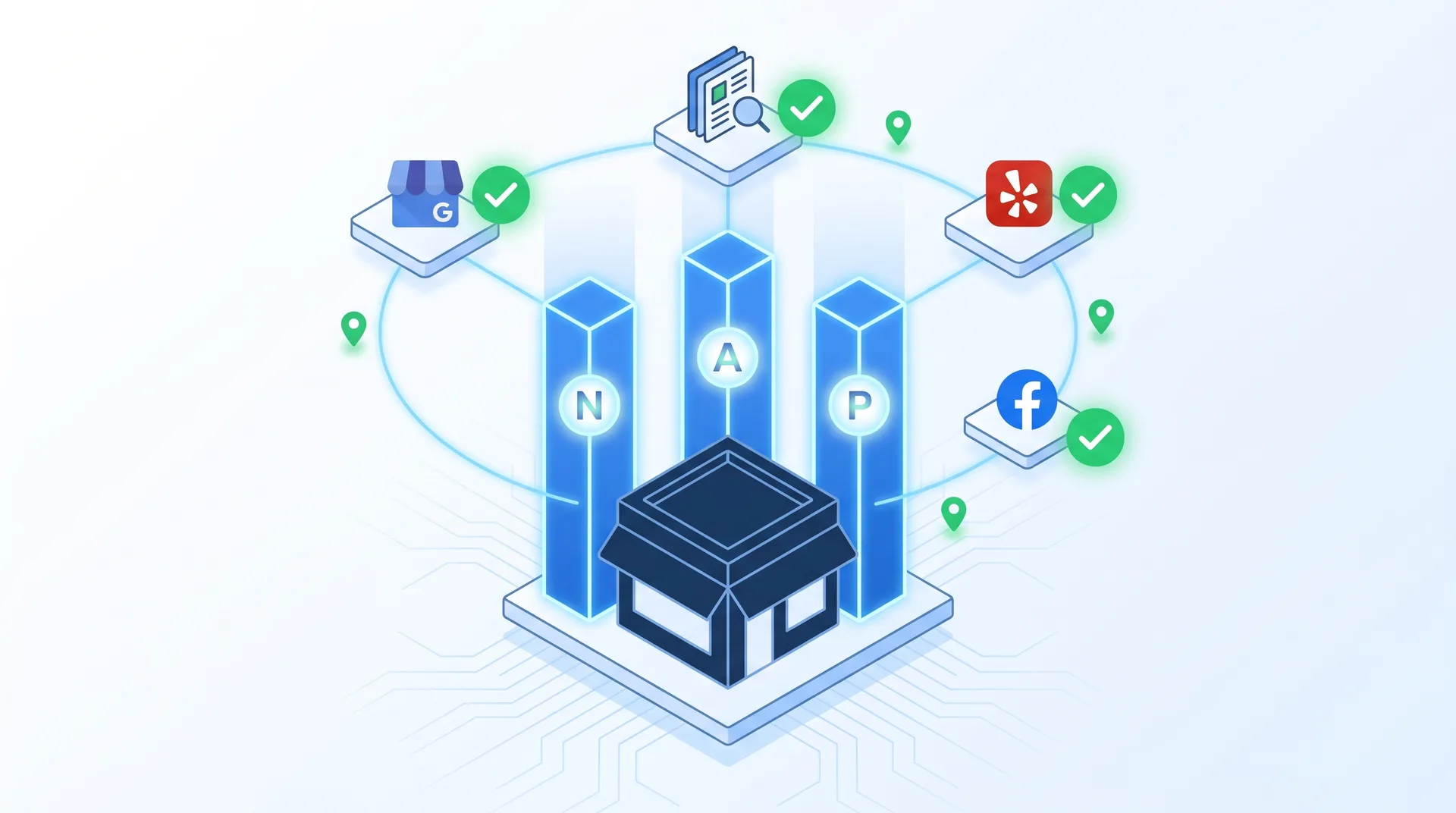
What if my NAP (Name, Address, Phone) isn't consistent?
Check every citation of your business online: your website, Yelp, Facebook, Yellow Pages, industry directories. Make sure your business name, address, and phone number are EXACTLY the same everywhere. Even small differences like 'St.' vs 'Street' can cause issues.
How do I remove prohibited content from my profile?
Go through your photos, posts, and business description. Remove anything promotional (special offers in photos), anything with URLs or contact info in images, and any content that violates Google's quality guidelines. Your description should describe what you do, not sell.
What about suspicious review patterns?
If you bought reviews or got a bunch of 5-star reviews from new accounts in a short time, Google flags that. You can't delete reviews yourself, but you can report fake ones. Focus on getting legitimate reviews going forward.
The address issue is the trickiest one. If you're a service-area business (plumber, electrician, consultant), you need to hide your address and show your service area instead. But if you're a storefront, you need a physical address that customers can visit.
Pros
Hide your address if you don't serve customers at that location
List specific cities or zip codes you serve
Use your home office address if you're a legitimate home-based business
Make sure your service area matches where you actually work
Cons
Don't use a virtual office or mailbox address
Don't list a service area that's unrealistically large
Don't hide your address if customers visit your location
Don't create multiple profiles for different service areas
Once you've fixed the technical issues, document everything. Take screenshots of your corrected profile, save copies of your updated citations, and keep records of any changes you made. You'll need this for your appeal.
Optimizing Your Restored Profile to Prevent Future Hiding
You got your profile back. Congrats. Now don't screw it up again.
Most businesses that get suspended once end up suspended again within six months. Why? Because they go right back to the same practices that got them flagged in the first place.
Here's how to stay compliant:
Follow the Guidelines
Read Google's Business Profile guidelines every six months. They update them. Your 2023 setup might violate 2025 rules.
Update Carefully
When you change business hours, services, or photos, do it gradually. Bulk changes trigger review flags.
Monitor Your Listing
Check your profile weekly. Look for unauthorized edits, duplicate suggestions, or suspicious activity.
Build Authority
Get legitimate reviews, post regular updates, respond to questions. Active, established profiles get suspended less often.
But the real key to staying visible? Local SEO optimization that goes beyond just your Google Business Profile.
Ongoing Profile Health Checklist
Set up Google Search Console and monitor for manual actions
Track your profile's search visibility weekly using ranking tools
Keep your business information updated across all directories
Respond to all reviews within 48 hours (shows engagement)
Post updates or offers at least twice per month
Add new photos every 2-4 weeks (profiles with recent photos rank better)
And honestly? If you're running a business, you don't have time to babysit your Google Business Profile every week. That's where automation and proper systems come in.
Advanced Recovery Strategies When Standard Methods Fail
Your appeal got denied. Twice. You've fixed everything you can think of, but Google still won't reinstate your profile.
Now what?
There are escalation paths most businesses don't know about:
Post in the Google Business Profile Community forum with your case details. Tag the Product Experts (verified helpers with direct lines to Google)
If you're a verified business with documentation, request a callback through Google Business Profile support (this option appears for some accounts)
Reach out to your Google Ads rep if you're running paid campaigns (they can sometimes escalate profile issues)
For egregious errors, consider filing a Better Business Bureau complaint against Google (this creates a paper trail)
The Community forum is your best bet. Product Experts there have successfully recovered profiles that went through 3-4 failed appeals. But you need to present your case properly.
Forum Escalation Tips
What information should I include in my forum post?
Your business name, the date of suspension, a clear timeline of what happened, what you've already tried, and specific questions. Don't rant. Don't accuse Google of being unfair. Just present facts.
How long does forum escalation take?
Product Experts usually respond within 24-48 hours. If they escalate to Google's team, resolution can take another 5-7 days. It's slower than the standard appeal, but it works when nothing else does.
Should I hire a professional to handle this?
If your business depends on local search and you've failed 2+ appeals, yes. Professionals who work with Google Business Profiles daily know exactly what triggers reinstatement. The cost is worth it compared to lost revenue.
But here's the hard truth: sometimes your profile is permanently suspended. Google made a decision and they're not reversing it.
In that case, you have one option left: create a new profile from scratch. But you can't just spin up a duplicate. You need to do it right.
Make sure the old profile is actually deleted (not just suspended)
Use a different Google account to create the new profile
Wait at least 30 days between the old profile's removal and creating a new one
Set up the new profile with 100% compliance from day one
Don't transfer reviews or data from the old profile
Creating a new profile should be your absolute last resort. But if you do it, do it clean. No shortcuts. No workarounds. Just follow the guidelines exactly.
Prithvi Jadwani, TechDevs Local SEO Strategy
The goal is to never get here. But if you do, now you know the path forward.
Maintaining Peak Local SEO Performance After Profile Recovery
Your profile is back. Visibility is restored. But you're not done.
A recovered profile starts from zero in Google's eyes. You need to rebuild your local search rankings, re-establish trust signals, and prove you're a legitimate, active business.
Post-Recovery Optimization
Complete every section of your profile (services, attributes, Q&A, posts)
Upload 10-15 high-quality photos within the first week
Ask your recent customers to leave reviews (aim for 5-10 in the first month)
Post weekly updates or offers for the first 4 weeks
Respond to every review and question immediately
Track your rankings for target keywords and monitor recovery progress
The first 30 days after recovery are critical. Google is watching to see if you're going to violate guidelines again. Show them consistent, legitimate activity.
Monitor Rankings
Use tools like BrightLocal or Local Falcon to track your position in local search for key terms. You should see improvement within 2-3 weeks.
Build Reviews
Fresh reviews signal active business. Ask customers via email, in person, or through automated follow-ups. Just don't incentivize them.
Publish Content
Weekly posts keep your profile active. Share updates, offers, events, or industry news. Even short posts help.
Strengthen Citations
Get listed on Yelp, Apple Maps, Bing Places, and industry directories. Consistent NAP across platforms boosts local SEO.
But here's what separates businesses that recover fully from those that stay stuck:
Systems.
You need automated monitoring, scheduled posting, review request workflows, and regular audits. Doing this manually is how you end up suspended again six months from now.
Your Google Business Profile is your most valuable local SEO asset. Treat it that way.

Frequently Asked Questions
How long does it take for Google to review a Business Profile reinstatement request?
Google typically responds within 3-5 business days. Some cases resolve in 24 hours, others take up to 2 weeks. If you haven't heard back after 7 days, you can bump your request through the Google Business Profile Community forum.
Can I create a new Google Business Profile if my old one is permanently suspended?
Yes, but only after the old profile is fully deleted (not just suspended) and you've waited at least 30 days. Use a different Google account, ensure 100% guideline compliance, and don't try to transfer data from the old profile. This should be your last resort.
What's the difference between a hidden and suspended Google Business Profile?
A hidden profile is not visible in public search results but still exists in your dashboard. A suspended profile has been flagged for a policy violation and removed from public view. Both result in lost visibility, but the terminology matters when filing appeals.
Will I lose my reviews if my Google Business Profile gets hidden?
No. Your reviews stay attached to your profile even during suspension. Once your profile is reinstated, all reviews, ratings, and historical data return. You won't lose any of that information.
How can I prevent my Google Business Profile from being hidden again?
Follow Google's guidelines strictly, update information gradually (not in bulk), monitor your profile weekly for unauthorized edits, respond to reviews consistently, and avoid any practices that look like manipulation (buying reviews, keyword stuffing, fake addresses).
Can I appeal a Google Business Profile suspension multiple times?
Yes. There's no hard limit on appeals, but each one needs to address new issues or provide additional documentation. Submitting the same appeal repeatedly won't work. After 2-3 denials, consider escalating through the Community forum or working with a professional.
What should I do if my competitors are reporting my legitimate business profile?
Document everything: your business license, lease agreement, proof of operations at your address. If you get suspended due to false reports, include this documentation in your appeal. Google investigates each report, so legitimate businesses with proper proof get reinstated.
Don't Let a Hidden Profile Kill Your Local Search Visibility
We've recovered dozens of suspended Google Business Profiles and built systems that prevent future suspensions. If you're tired of dealing with Google's black box and want someone who actually knows how to fix this stuff, let's talk.