SEO
How to Rank Higher on Google—FAST The Fast-Track Formula to First Page Rankings
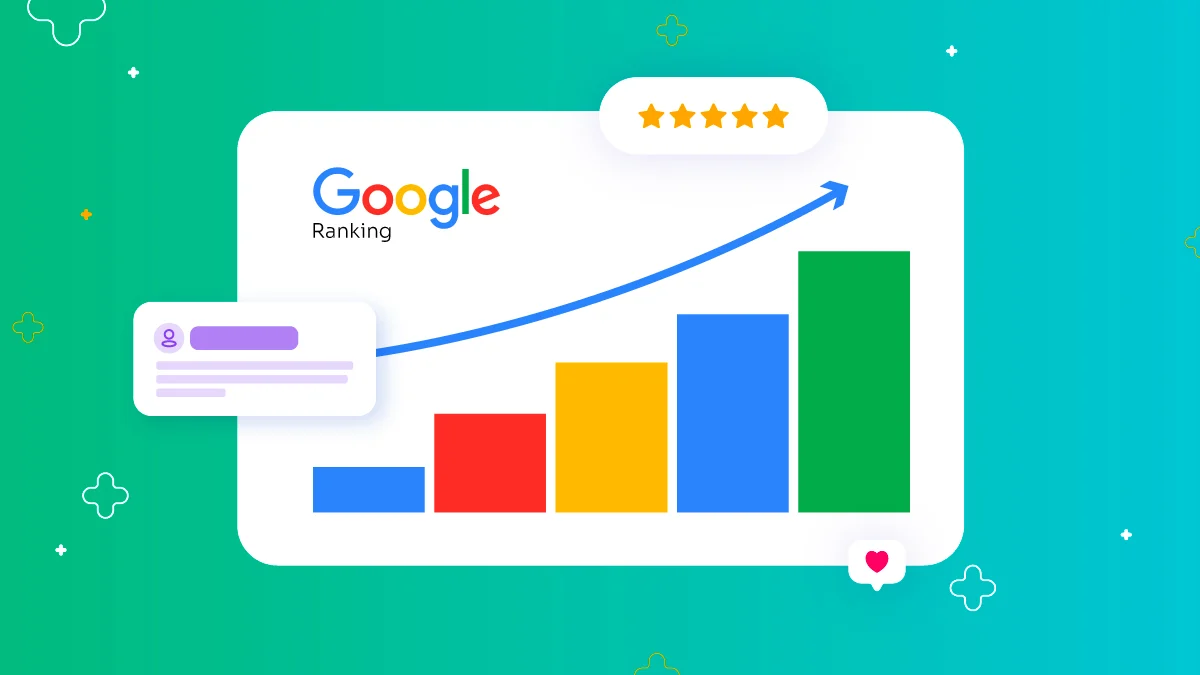
75% of users never scroll past the first page of Google
HubSpot Marketing Statistics, 2025
1. Fix Technical SEO First
- Improve Page Speed: Use PageSpeed Insights to check load times. Compress images, enable caching, and use a fast web host.
- Mobile Optimization: Ensure your site is mobile-friendly, as over 60% of Google searches happen on mobile.
- Fix Broken Links & Redirects: Use tools like Ahrefs or Screaming Frog to scan and fix broken links.
- Submit an XML Sitemap: Submit your sitemap through Google Search Console to help Google index your pages.
Action stepRun a free website audit on Google Search Console
2. Choose Keywords That Rank Faster
- Use Long-Tail Keywords: Target specific phrases like 'Best Running Shoes for Flat Feet 2024' instead of broad terms.
- Check Keyword Difficulty: Use Ubersuggest or Ahrefs to identify keywords with low competition.
- Monitor 'People Also Ask': These queries represent real search intent from users.
Action stepFind 5 easy-to-rank keywords using Google Keyword Planner
3. Create Content That Google Wants to Rank
- Analyze Top 3 Competitors: Study top-ranking pages to understand their structure and approach.
- Use the AIDA Formula: Attention, Interest, Desire, Action - structure your content for engagement.
- Add Skimmable Content: Include bullet points, lists, bold text, and short paragraphs.
- Answer Common Questions: Include answers to 'People Also Ask' questions in your content.
Action stepRewrite your top blog post to match Google's intent
4. Build Backlinks the Smart Way
- Guest Posting: Write valuable content for high-authority websites in your niche.
- Broken Link Building: Find broken links and offer your content as a replacement.
- Use HARO: Get PR backlinks by answering journalist queries on Help a Reporter Out.
- Analyze Competitor Backlinks: Use tools to discover and replicate competitor backlink strategies.
Action stepGet 3 new backlinks this week through guest posts or HARO
5. Increase User Engagement
- Craft Engaging Headlines: Create compelling titles to reduce bounce rates.
- Add Visual Content: Include images and videos to double time on page.
- Use Bucket Brigades: Insert attention-keeping phrases throughout your content.
- Enhance Internal Linking: Link to related content to keep users on your site longer.
Action stepImprove one blog post with better headings, images, and links
6. Leverage Local SEO
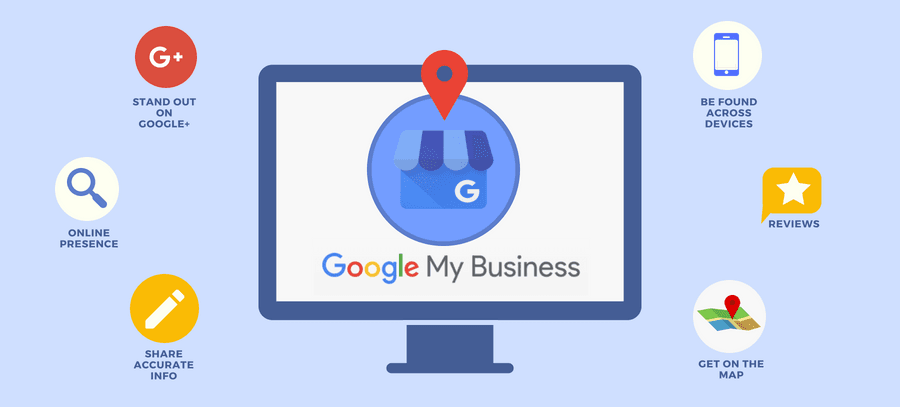
- Optimize Google My Business: Fill out every section, add photos, and collect reviews to improve local rankings.
- Get More Reviews: Ask happy customers for 5-star Google reviews to boost credibility.
- Use Local Keywords: Target location-specific phrases like "Best Dentist in New York."
- List in Local Directories: Add your business to Yelp, BBB, and niche-specific directories.
Action stepImprove your GMB profile with new photos and keyword-rich descriptions
7. Boost Click-Through Rate (CTR)
- Write Irresistible Titles: Use numbers, power words, and curiosity-driven phrases to attract clicks.
- Optimize Meta Descriptions: Write compelling meta descriptions that encourage users to click.
- Add Schema Markup: Use rich snippets like star ratings, FAQs, and images to stand out in search results.
Action stepRewrite 5 blog titles today to boost CTR
Want to rank higher on Google?
Let's take your website to the next level with TechDevs.