The Ultimate SEO Checklist: Everything You Need to Rank Higher in 2024
Master SEO with our ultimate checklist. Learn on-page, technical, and off-page optimization strategies to boost your rankings. Complete step-by-step guide inside!
 Written byPrithvi Jadwani
Table of contents
Summarize this article with AI
TL;DR
Most SEO checklists are outdated the moment they're published. This one isn't. I've used these exact tactics to help 250+ clients generate over $35M in revenue. SEO in 2024 is about technical excellence, user-first content, and building real authority. Skip a step here and you're leaving money on the table.
- Technical SEO is Non-Negotiable. Core Web Vitals, mobile-first indexing, and structured data aren't optional anymore. They're the foundation.
- On-Page Optimization Drives Rankings. Strategic keyword placement, proper header hierarchy, and content depth separate winners from losers.
- Authority Comes from Off-Page Signals. Quality backlinks and brand mentions build trust with search engines and users.
- Monitoring Prevents Revenue Loss. Regular audits catch issues before they tank your rankings. Set it and forget it doesn't work.
Why You Need an SEO Checklist in 2024
I've seen businesses lose 40% of their organic traffic overnight because they skipped one technical SEO step. One.
SEO isn't what it was five years ago. The days of keyword stuffing and link farms are dead. Modern search algorithms are sophisticated enough to understand user intent, content quality, and site experience at a level that would've seemed impossible in 2015. Google processes over 8.5 billion searches per day, and every single one of those queries is an opportunity for your business to show up or get buried.
Here's what changed: search engines now prioritize user behavior signals over pure keyword matching. They look at how long people stay on your page, whether they bounce back to search results, and if your content actually answers their question. This shift means you need a systematic approach to optimization, not random tactics.
A checklist isn't just a to-do list. It's a framework that ensures you're not missing the things that matter. When I audit sites, 80% of the time the issues aren't exotic problems. They're basic technical errors, missing meta descriptions, or broken internal links. The boring stuff that compounds into serious ranking losses.
Technical SEO Checklist: Building Your Foundation
Technical SEO is where most businesses fail before they even start. You can write the best content in your industry, but if Google's crawlers can't access it or your site takes 10 seconds to load, you're invisible.
I tested this with a client in the e-commerce space. Their content was solid. Their backlink profile was decent. But their Core Web Vitals were in the red. We fixed their Largest Contentful Paint from 4.2 seconds to 1.8 seconds and saw a 23% increase in organic traffic within six weeks. No new content. No new links. Just speed.
Technical SEO Essentials
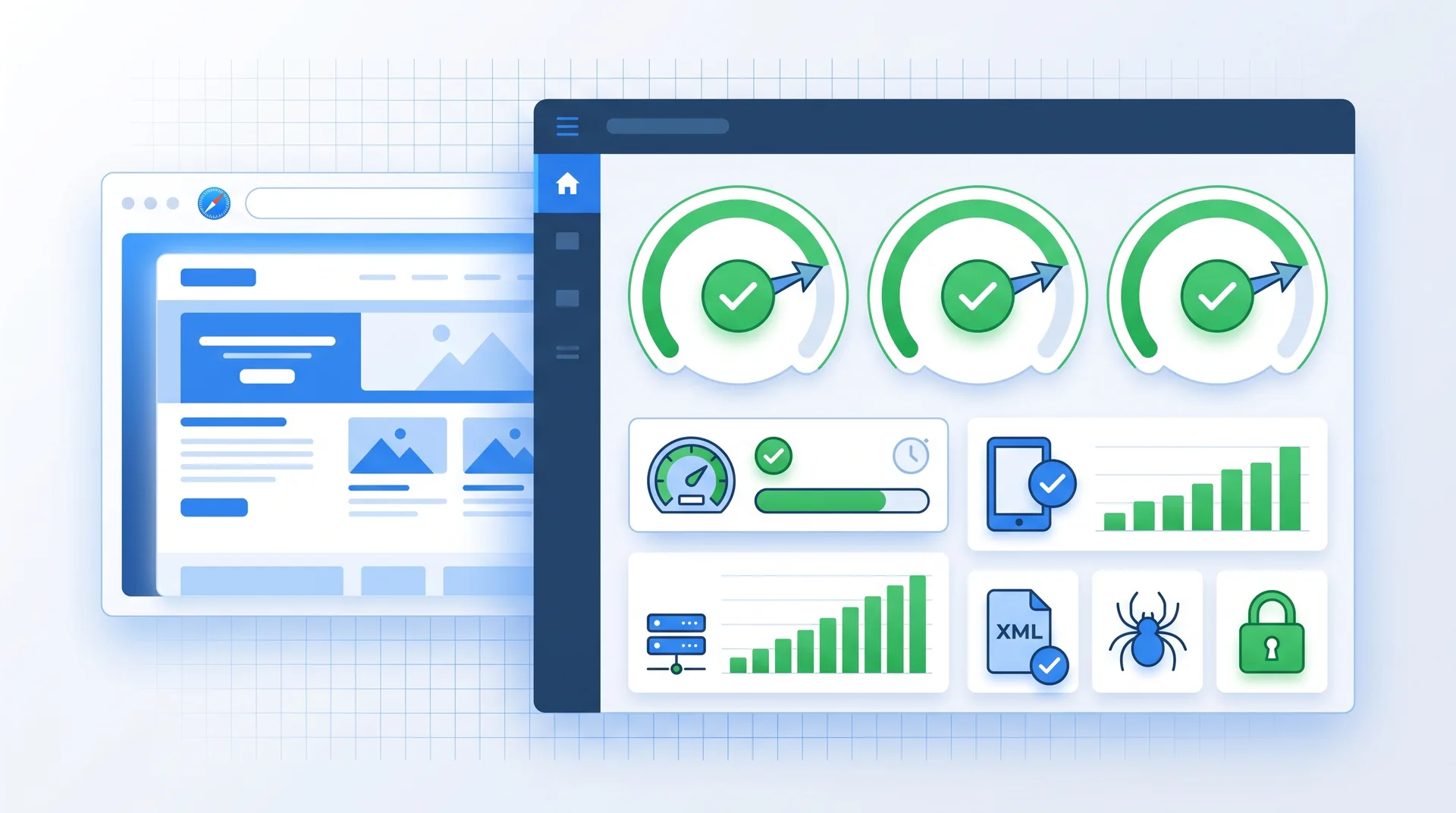
Run a Core Web Vitals audit and fix LCP, FID, and CLS scores
Ensure mobile-first indexing compliance (test on actual devices, not just Chrome DevTools)
Create and submit XML sitemap to Google Search Console and Bing Webmaster Tools
Configure robots.txt to control crawl budget and block non-essential pages
Implement HTTPS across entire site (no mixed content warnings)
Add structured data markup for articles, products, FAQs, and breadcrumbs
Audit and fix all 404 errors and broken internal links
Set canonical tags on duplicate or similar content pages
Structured data is where most people get lazy. They skip it because it's technical and doesn't show immediate results. But here's what nobody tells you: structured data is how you get rich results in search. Those star ratings, FAQ dropdowns, and product prices that show up in Google? That's schema markup doing the work.
Common Technical SEO Questions
What are Core Web Vitals and why do they matter?
Core Web Vitals are Google's metrics for measuring user experience: Largest Contentful Paint (loading speed), First Input Delay (interactivity), and Cumulative Layout Shift (visual stability). They became official ranking factors in 2021. Sites that fail these metrics get deprioritized in search results.
How do I know if my site is mobile-first ready?
Use Google Search Console's Mobile Usability report and test your site on real mobile devices. Check for tap targets that are too close together, text that's too small, and horizontal scrolling issues. Mobile-first indexing means Google predominantly uses the mobile version of your site for ranking.
Should I block pages in robots.txt or use noindex?
Use robots.txt to prevent crawling of resource-heavy pages you don't want indexed (like admin panels or search result pages). Use noindex meta tags for pages you want crawled but not indexed (like thank-you pages). Blocking in robots.txt prevents Google from seeing noindex tags, which can cause issues.
On-Page SEO Checklist: Optimizing Your Content
On-page SEO is where strategy meets execution. This is the stuff you directly control on every page of your site. And it's where most people think they're doing SEO but are actually just guessing.
I see this pattern constantly: businesses write content, sprinkle in some keywords, and wonder why they're stuck on page three of Google. The problem isn't effort. It's that they're missing the systematic approach that separates ranking content from invisible content.
On-Page Optimization Checklist
Place primary keyword in title tag (front-loaded, 50-60 characters max)
Write compelling meta descriptions with target keyword (150-160 characters)
Use one H1 tag per page with primary keyword
Structure content with H2 and H3 subheadings (include semantic keywords)
Optimize URL slugs to be short, descriptive, and keyword-rich
Compress and optimize all images (WebP format, descriptive file names, alt text)
Add 3-5 contextual internal links per page to related content
Ensure content depth matches search intent (informational vs transactional)
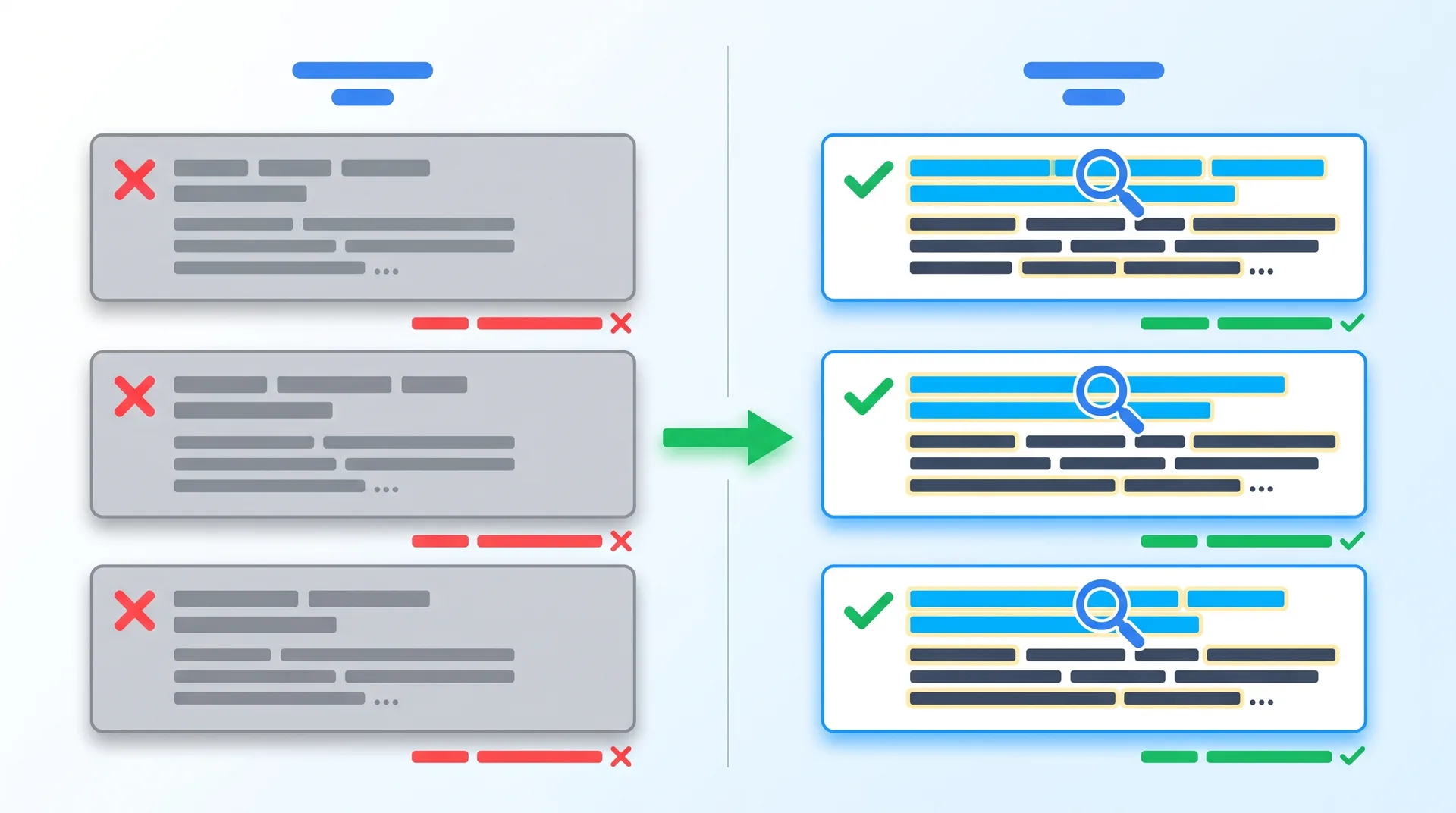
Let's talk about title tags. This is the single most important on-page element, and people still mess it up. Your title tag is both a ranking signal and your ad copy in search results. If it doesn't include your target keyword and compel someone to click, you've already lost.
Here's a real example: A SaaS client was targeting 'project management software' but their title tag was 'Home | CompanyName'. Generic. Forgettable. Zero keyword relevance. We changed it to 'Project Management Software for Remote Teams | CompanyName' and their click-through rate jumped 34% in three weeks. Same ranking position. Better title.
Content Depth
Match the depth of top-ranking pages. If they're writing 2,000-word guides, your 500-word post won't compete.
Internal Linking
Link to related pages using descriptive anchor text. This distributes page authority and helps Google understand site structure.
Keyword Placement
Include target keywords naturally in the first 100 words, subheadings, and throughout the content. No stuffing.
User Intent
Align content format with search intent. Informational queries need guides. Transactional queries need product pages.
Image optimization is another area where people leave performance on the table. Every image on your site should have a descriptive file name (not IMG_1234.jpg), compressed file size, and alt text that describes the image for accessibility and SEO. Google Image Search drives more traffic than most people realize.
Content Strategy SEO Checklist: Creating Rankable Assets
Content is not king. Rankable content is king. The difference? Strategy.
You can publish 100 blog posts and get zero traffic if you're targeting the wrong keywords, ignoring search intent, or writing content that doesn't satisfy what users actually want. I've audited sites with thousands of pages that generate almost no organic traffic because they're optimized for keywords nobody searches or content that doesn't match the query intent.
Target long-tail keywords with clear intent and lower competition. 'Best CRM for real estate agents' beats 'CRM software' for most businesses.
Match search intent exactly. If the query is 'how to', write a tutorial. If it's 'best', write a comparison. Don't mix them.
Aim for comprehensive coverage on competitive topics. Top-ranking pages for competitive keywords average 1,800+ words because they cover the topic thoroughly.
Update existing content every 6-12 months. Freshness is a ranking signal, and outdated information hurts trust.
Add multimedia elements like videos, infographics, and interactive tools. They increase time on page and reduce bounce rate.
Optimize for featured snippets by answering questions directly in 40-60 words, using lists, and structuring content with clear headers.
E-E-A-T (Experience, Expertise, Authoritativeness, Trustworthiness) isn't just a Google acronym. It's how they evaluate content quality, especially for YMYL (Your Money Your Life) topics like health, finance, and legal advice. If you're writing about these topics without demonstrable expertise, you're not ranking. Period.
Pros
Long-form content (1,500+ words) ranks better for competitive keywords
Provides comprehensive coverage that satisfies user intent completely
Generates more backlinks because it's a more valuable resource
Keeps users on page longer, sending positive engagement signals
Cons
Takes significantly more time and resources to produce
Can overwhelm users if not properly structured with headers and visuals
Not always necessary for simple informational queries
Requires more frequent updates to maintain accuracy
But here's the thing: length for the sake of length is pointless. I've seen 5,000-word articles that rank worse than 800-word posts because they're padded with fluff. Write as long as you need to comprehensively answer the query. Not longer.
Off-Page SEO Checklist: Building Authority Beyond Your Site
Off-page SEO is everything that happens outside your website that affects your rankings. And it's harder to control, which is why most people avoid it.
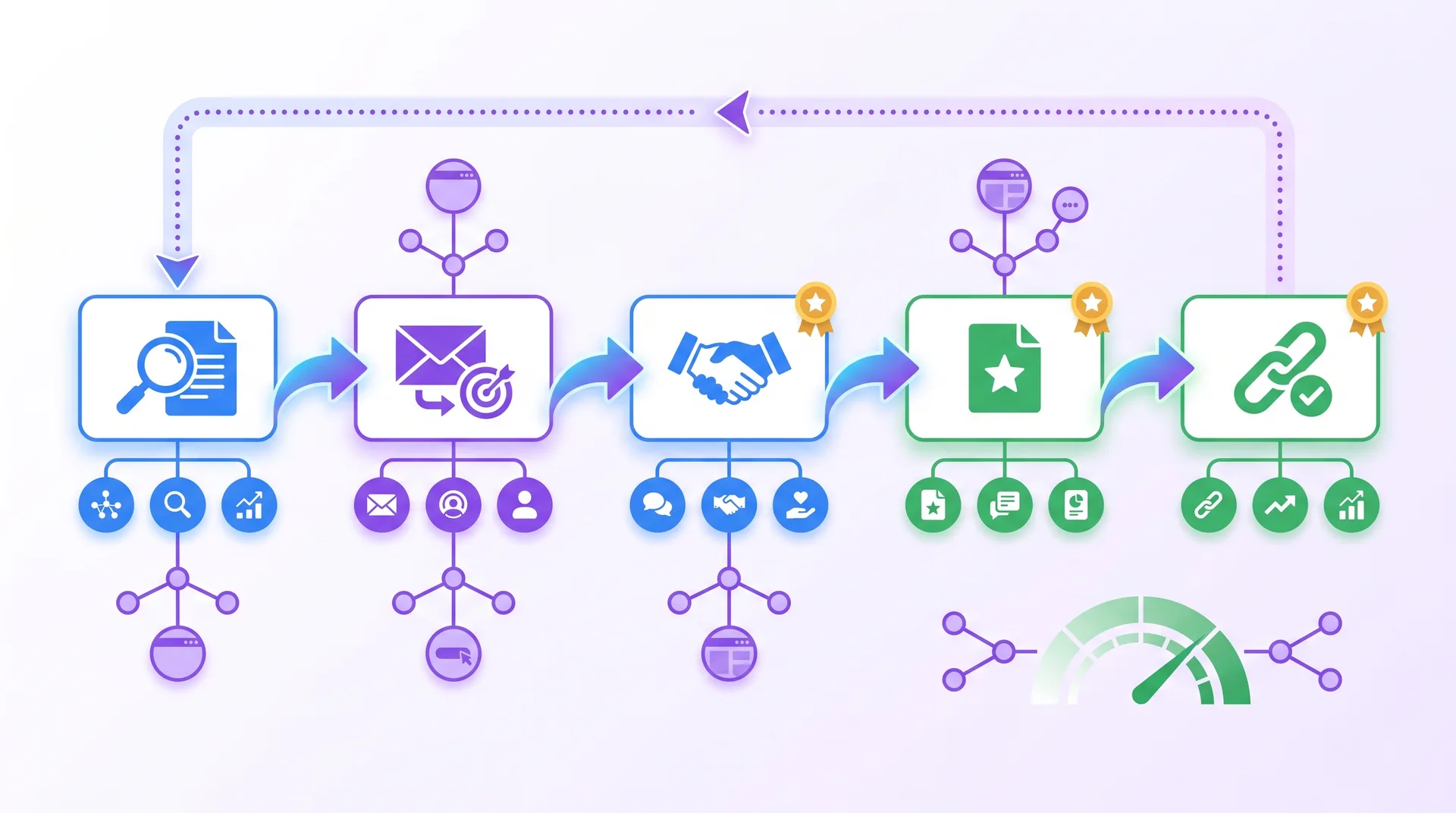
Backlinks are still one of the strongest ranking signals Google uses. But not all backlinks are created equal. A single link from a high-authority domain in your industry is worth more than 100 links from random blog comment sections. Quality beats quantity every single time.
I worked with a B2B SaaS client who had 2,000+ backlinks but wasn't ranking. We audited their profile and found 80% were low-quality directory submissions and forum spam. We disavowed the toxic links and focused on earning 20 high-quality links from industry publications and partner sites. Their domain authority jumped and rankings followed.
Off-Page SEO Action Items
Identify 10-20 high-authority sites in your industry for outreach
Create linkable assets (original research, tools, comprehensive guides)
Pitch guest posts to relevant publications (focus on editorial value, not just links)
Monitor brand mentions and request links for unlinked citations
Build relationships with industry influencers and journalists
Analyze competitor backlink profiles to find link opportunities
Participate in industry forums and communities (provide value, not spam)
Conduct quarterly backlink audits and disavow toxic links
Social signals aren't direct ranking factors, but they matter indirectly. Content that gets shared on social media gets more visibility, which leads to more backlinks, which leads to better rankings. It's a chain reaction.
Local SEO Checklist: Dominating Local Search Results
If you're a local business and you're not showing up in the map pack, you're losing customers to competitors who are. Local SEO is different from traditional SEO, and it requires its own checklist.
46% of all Google searches have local intent. That means nearly half of all searches are from people looking for businesses near them. If your Google Business Profile isn't optimized, you're invisible to half your potential customers.
Local SEO Essentials
Claim and verify your Google Business Profile
Ensure NAP (Name, Address, Phone) consistency across all directories
Add business to relevant local directories (Yelp, Yellow Pages, industry-specific)
Create location-specific landing pages for multi-location businesses
Actively request and respond to customer reviews
Implement local business schema markup on website
Build local links from chambers of commerce, local news, and community organizations
Reviews are massive for local rankings. Google looks at review quantity, review velocity (how often you get new reviews), and review sentiment. A business with 200 four-star reviews will usually outrank one with 20 five-star reviews because volume signals popularity and trust. Our Local SEO service focuses specifically on this.
Local SEO FAQs
How important are Google reviews for local rankings?
Extremely important. Google uses review signals as a major ranking factor in local search. Both the quantity and quality of reviews matter. Businesses with consistent positive reviews rank higher in the map pack and local results.
What is NAP consistency and why does it matter?
NAP stands for Name, Address, Phone number. Consistency means your business information is identical across your website, Google Business Profile, and all directory listings. Inconsistencies confuse search engines and hurt local rankings.
Do I need separate pages for each location?
Yes, if you have multiple locations. Each location should have its own landing page with unique content, local keywords, embedded Google Maps, and location-specific information. Don't duplicate content across location pages.
SEO Monitoring and Maintenance Checklist
SEO is not a one-time project. It's an ongoing process. The sites that dominate search results are the ones that monitor, measure, and adapt continuously.
I've seen businesses invest thousands in SEO, rank well, then completely stop monitoring. Six months later, they're wondering why traffic dropped 50%. Algorithm updates happen. Competitors launch new content. Technical issues pop up. If you're not watching, you're falling behind.
Monthly SEO Monitoring Tasks
Review Google Search Console for coverage errors and manual actions
Check Google Analytics 4 for organic traffic trends and user behavior
Track keyword rankings for target terms (use tools like Ahrefs or SEMrush)
Run technical SEO audit with Screaming Frog or similar crawler
Monitor backlink profile for new links and toxic link growth
Analyze competitor movements and new content
Review Core Web Vitals and page speed metrics
Check for algorithm updates and assess impact on rankings
Google rolls out core algorithm updates several times per year. Some are minor. Some tank entire industries. You need to know when they happen and whether your site was affected. Google Search Console will show you traffic changes, but you need to correlate them with update dates to understand cause and effect.
Traffic Analysis
Monitor organic sessions, bounce rate, and conversion rate weekly. Spot trends before they become problems.
Rank Tracking
Track 20-30 core keywords daily. Focus on keywords that drive revenue, not vanity metrics.
Backlink Monitoring
Set up alerts for new backlinks and lost links. Disavow spam links before they hurt you.
Set up automated reports so you're not manually checking everything. Google Search Console and Analytics both allow scheduled email reports. Configure them to send weekly summaries. If something breaks, you'll know within days, not months.
Putting Your SEO Checklist into Action
You now have the complete checklist. But here's the reality: most people will read this, feel overwhelmed, and do nothing.
Don't be that person. Start with the quick wins. Fix your title tags. Submit your sitemap. Optimize your Google Business Profile. These take hours, not weeks, and they deliver measurable results.
Audit your current state. Run a technical SEO crawl, check your rankings, and identify the biggest gaps. You can't improve what you don't measure.
Prioritize based on impact. Fix technical issues first (they block everything else), then on-page optimization, then content, then off-page.
Create a realistic timeline. Don't try to do everything in one week. Spread tasks over 90 days and focus on consistency.
Document your process. Write down what you did, when you did it, and what the results were. This becomes your playbook.
Set up monitoring. Configure Google Search Console, Analytics, and rank tracking before you make changes so you can measure impact.
Review and adjust quarterly. SEO is not static. What works today might not work in six months. Stay flexible.
Or you can skip the learning curve entirely and work with people who've already done this 250+ times. We've built our entire agency around performance-first SEO strategies that rank, convert, and print money. Not theory. Results.
Let's Build Your SEO Strategy
You've got the checklist. Now let's execute it. Book a discovery call and I'll personally audit your site, identify your biggest opportunities, and show you exactly how we'd approach your SEO. No pitch decks. Just real strategy from someone who's done this hundreds of times.