The 5-Minute GMB Optimization Template That Drives Results
Optimize your Google My Business profile in 5 minutes! Follow our step-by-step template for quick wins that boost local search rankings. Start now!
 Written byPrasad Iyer
Table of contents
Summarize this article with AI
TL;DR
Most local businesses waste hours tweaking their Google Business Profile when they could nail the essentials in 5 minutes. Google's algorithm prioritizes three things: relevance, distance, and prominence. Get those right with this template, and you'll show up in AI-powered local packs, Maps results, and regular search. The best part? Your competitors probably haven't done this yet.
- 5 Minutes to Visibility. Complete the core optimizations that actually move the needle in local search rankings
- Three Ranking Factors. Master relevance, distance, and prominence to dominate local search results
- AI Local Pack Ready. Optimize for Google's AI-powered local results that now appear in search
- Template-Driven Process. Follow the exact checklist that gets results without wasting time on low-impact tasks
Why Your GMB Profile Needs This 5-Minute Template
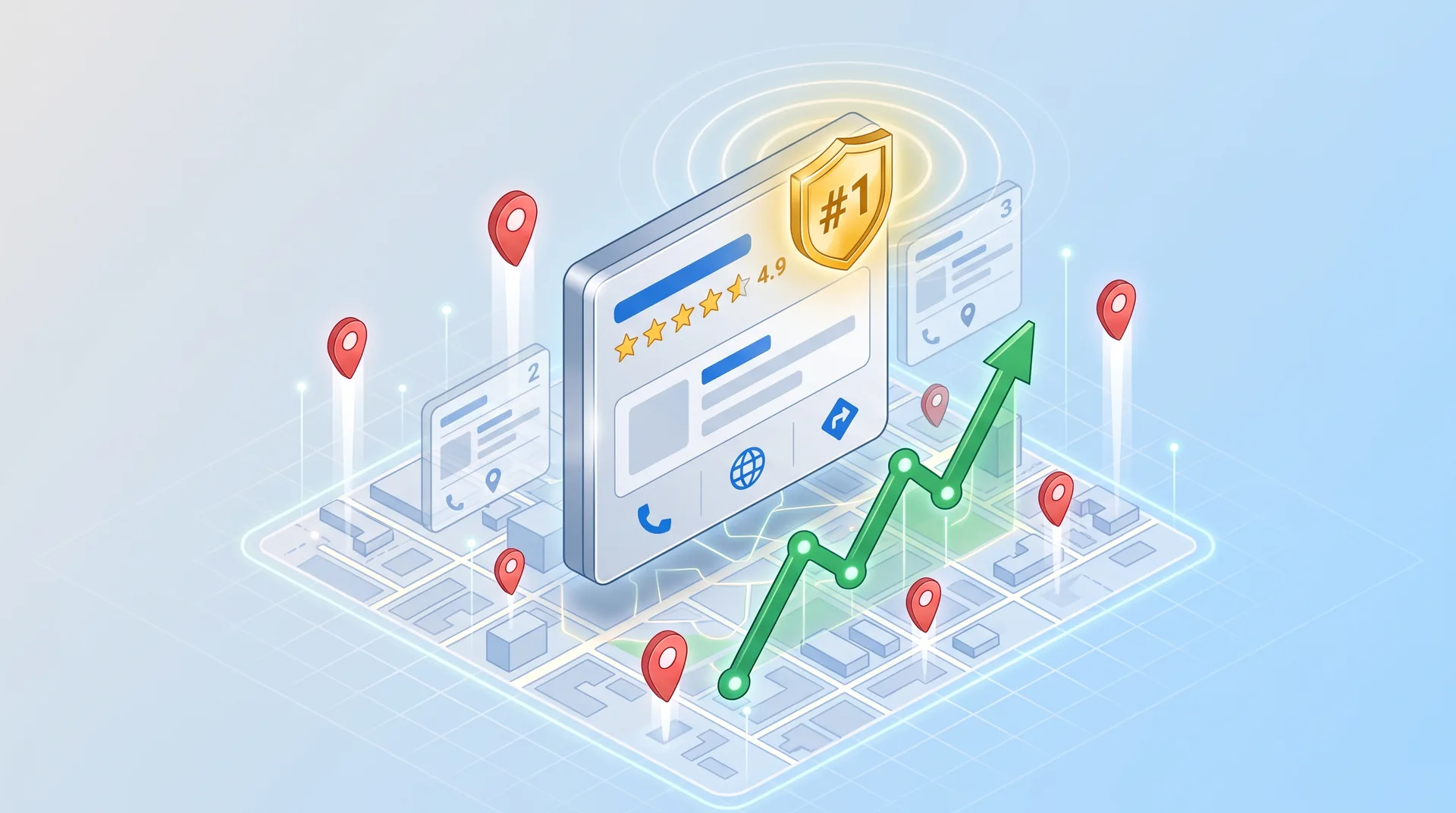
Google now shows an AI-powered version of local pack results that lists businesses alongside a map. If your Google Business Profile isn't optimized, you're invisible in these results. And here's the thing: most local businesses still treat their GBP like a digital yellow pages listing they set up once and forgot about.
That's your opportunity.
Google's ranking algorithm for local results comes down to three factors: relevance (how well you match what people search for), distance (how close you are to the searcher), and prominence (how well-known and trusted you appear). You can't control distance. But you can nail relevance and prominence in less time than it takes to grab coffee.
The 5-Minute GMB Optimization Template: Your Checklist
Here's the exact breakdown. Five minutes. Five critical tasks. Each one directly impacts how Google ranks your business in local search.
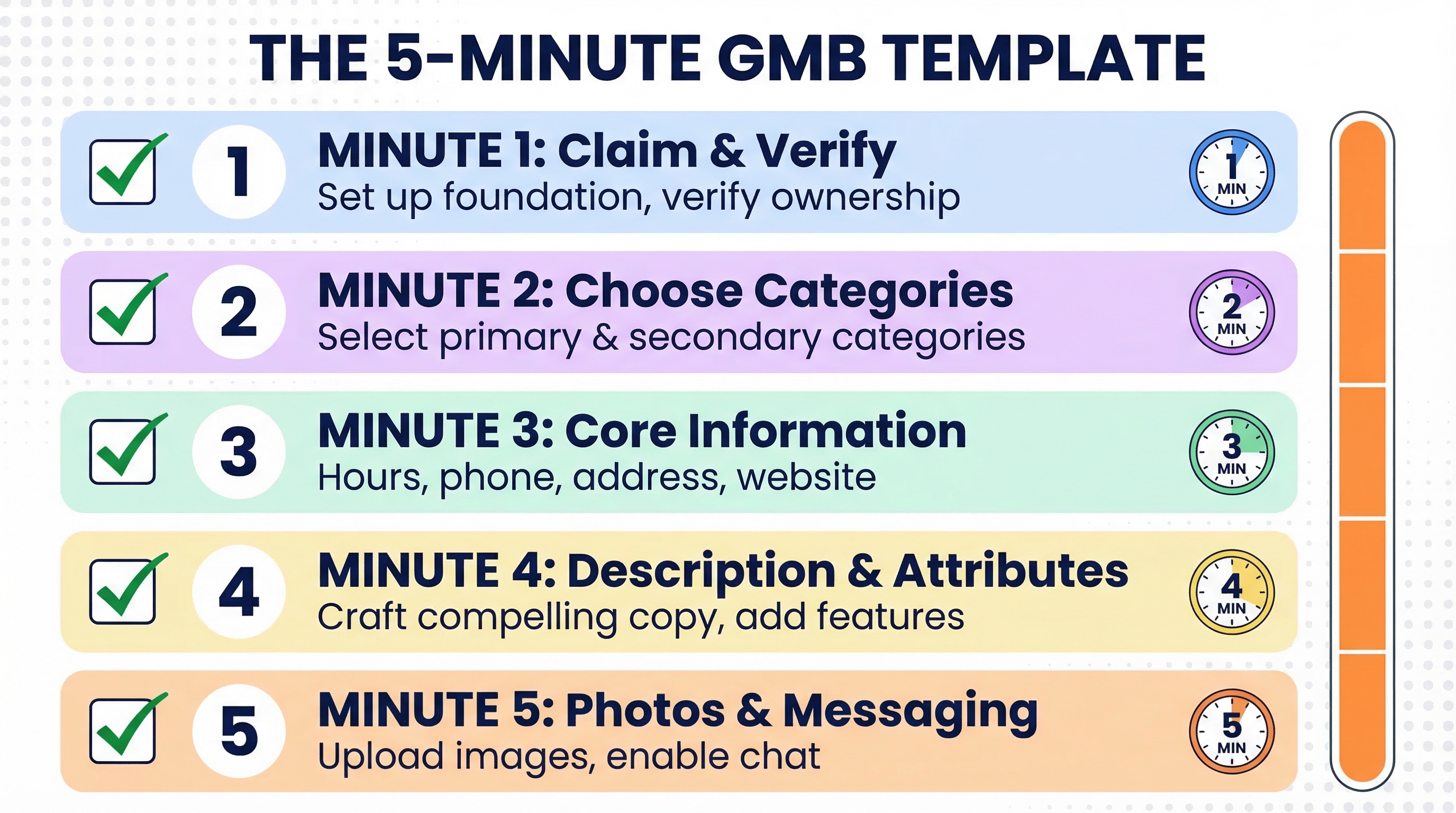
Your 5-Minute GMB Template
Minute 1: Claim and verify your listing (establishes ownership and control)
Minute 2: Choose your primary and secondary categories (strongest relevance signal)
Minute 3: Complete core business information (NAP consistency + hours)
Minute 4: Write your description and add attributes (relevance + differentiation)
Minute 5: Upload photos and enable messaging (prominence + engagement)
Foundation
Claim and verify to unlock full profile control and editing capabilities
Relevance
Categories and descriptions tell Google what searches you should appear for
Prominence
Photos, messaging, and completeness signal authority and trustworthiness
This isn't about perfection. It's about getting the high-impact elements in place so Google actually shows your business to people searching for what you offer. You can refine later. Right now, you need visibility.
Minute 1: Claim, Verify & Set Up Your Foundation
You can't optimize what you don't control. First step: navigate to Google Business Profile Manager and search for your business. If a listing exists, claim it. If not, create one from scratch.
Google offers several verification methods: postcard (most common), phone, email, or instant verification if you're eligible. Postcard takes 5-7 days, but you can start optimizing while you wait. The key is to initiate verification immediately because nothing else matters until Google knows you own this business.
Postcard verification: Google mails a code to your business address. Enter it when it arrives.
Phone verification: Instant code via automated call. Only available for some business types.
Email verification: Code sent to your business email. Rare, usually for established businesses.
Instant verification: If you've verified your site with Google Search Console, you might qualify.
Minute 2: Choose Accurate Categories (Your Visibility Multiplier)
Your primary category is the strongest signal your profile sends about relevance. Get this wrong and you're invisible for the searches that actually matter. A bakery that selects "Restaurant" as its primary category will lose to competitors who correctly chose "Bakery."
Be specific. Always choose the most precise category available. Then add up to 9 secondary categories to cast a wider net. A wedding bakery might use "Bakery" as primary, then add "Wedding bakery," "Custom cake shop," and "Dessert shop" as secondaries.
Category Selection Strategy
How do I find the right primary category?
Think about the one thing you're known for. What do most customers come to you for? That's your primary. If you're a pizza place that also does catering, "Pizza restaurant" should be primary, not "Caterer."
Should I add all 9 secondary categories?
Only if they're accurate. Don't add categories just to fill slots. Each secondary should represent a legitimate service you offer. False categories hurt your relevance more than they help.
Can I change categories later?
Yes. Log into your profile, click Edit, and update your categories. But be strategic. Frequent category changes can confuse Google's algorithm and temporarily hurt your rankings.
Pros
Primary category has the strongest impact on which searches you appear in
Secondary categories expand your reach without diluting your core relevance
Specific categories outperform generic ones in competitive markets
Cons
Too many unrelated secondaries can dilute your profile's focus
Incorrect primary category can make you invisible for your main service
Category changes take time to reflect in search results
Minute 3: Optimize Core Business Information
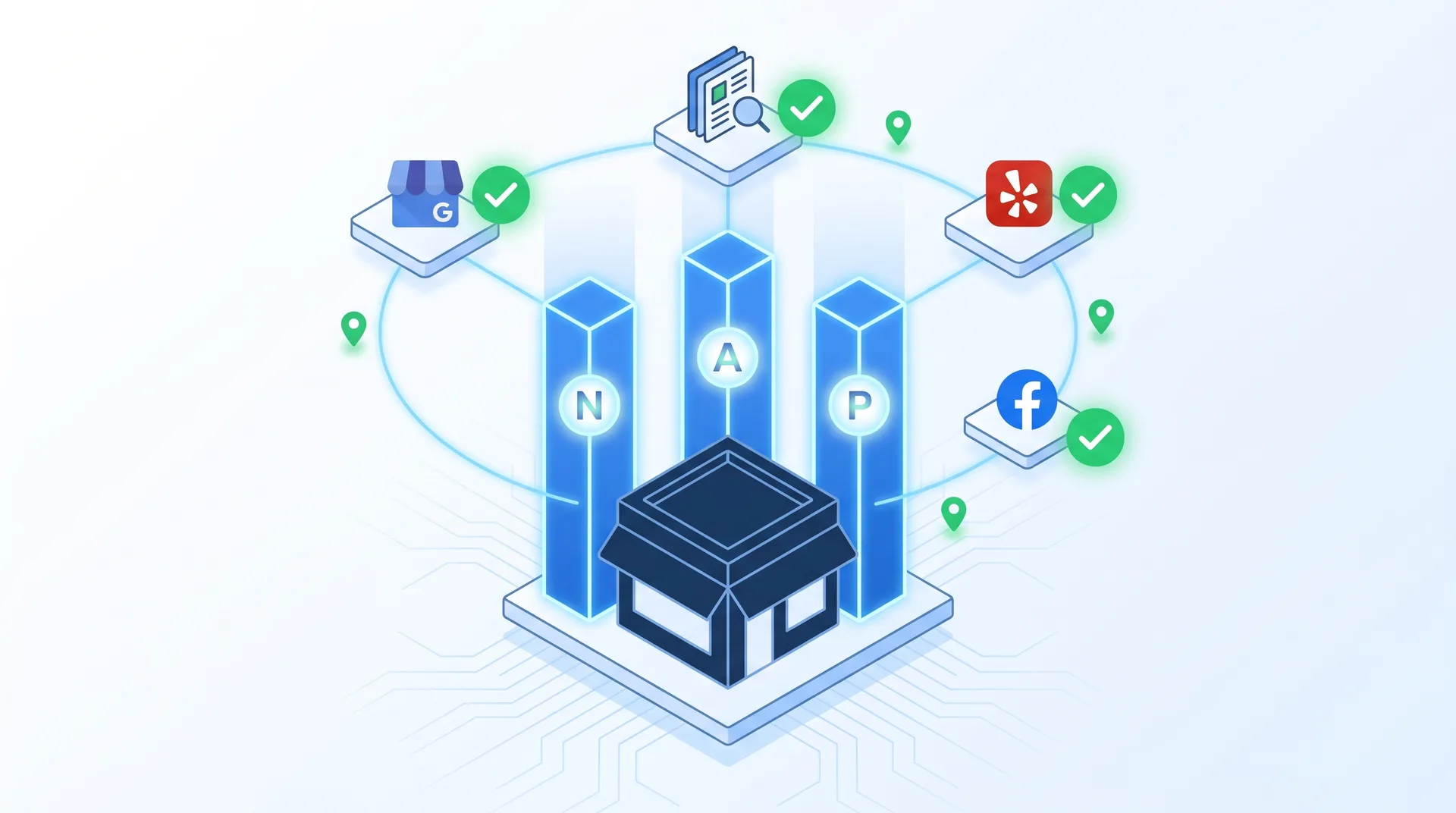
NAP consistency matters. That's Name, Address, Phone. Google cross-references your GBP info with what's listed on your website, Yelp, Facebook, industry directories, everywhere. Inconsistencies confuse the algorithm and hurt your rankings.
Core Information Checklist
Business name: Use your official name exactly as it appears on your storefront. No keyword stuffing like "Best Pizza NYC."
Address: Match the format on your website. "123 Main St" vs "123 Main Street" matters to Google.
Phone number: Use a local, trackable number. Not a call center line or toll-free number.
Website URL: Link to your homepage or a dedicated landing page for better conversion tracking.
Hours: Keep them current. Update for holidays, special events, and seasonal changes immediately.
Hours deserve special attention. Google penalizes businesses with incorrect hours because it creates a bad user experience. Someone shows up at your closed business, blames Google, and Google doesn't like that. Mark special hours for holidays at least two weeks in advance.
Minute 4: Craft Your Business Description & Attributes
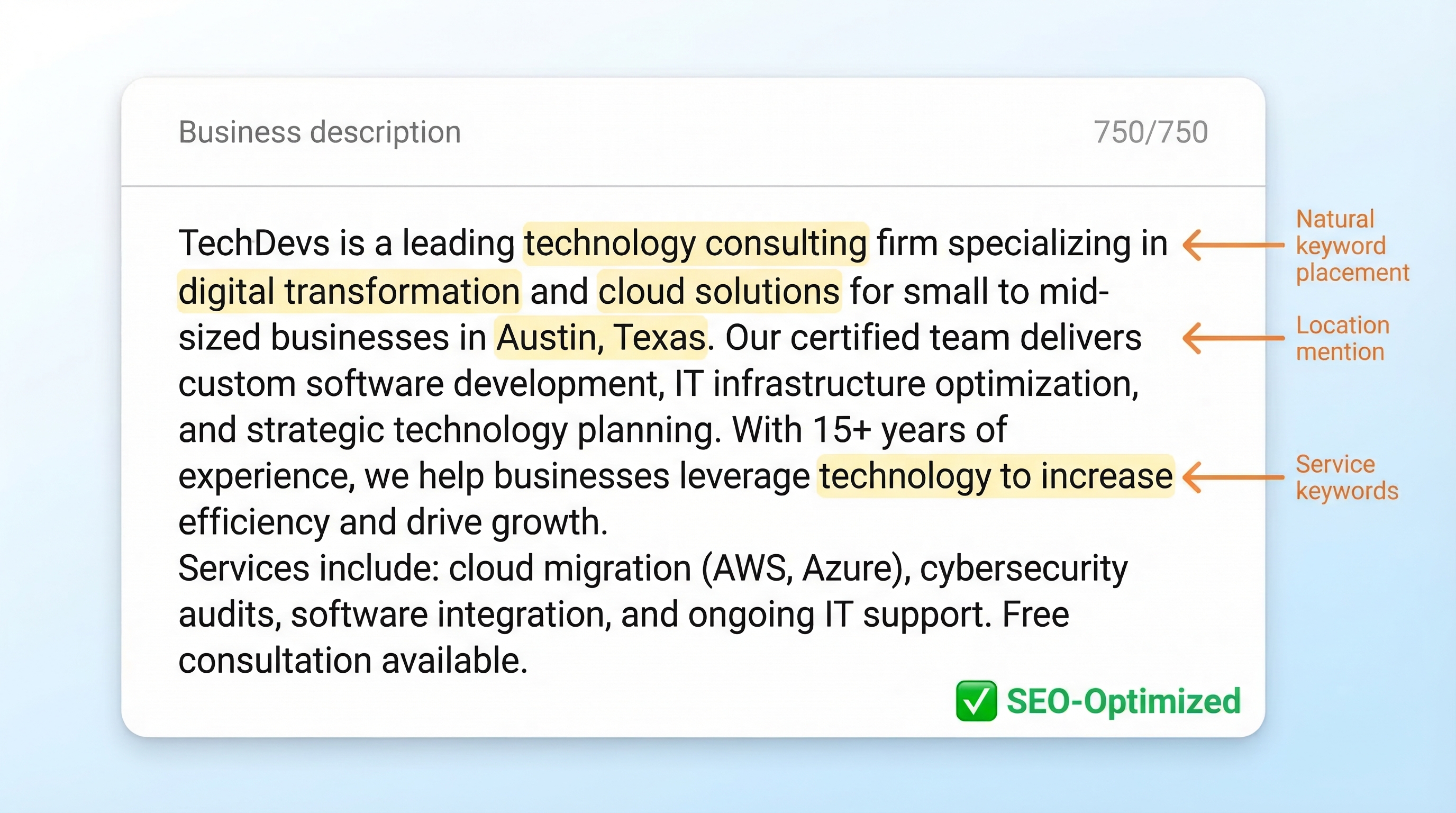
You get 750 characters for your business description. Use them. This is where you explain what makes you different and naturally include the terms people actually search for. But don't keyword stuff. Write for humans first.
Start with what you do, then why you're different, then a call to action. "We're a family-owned Italian restaurant serving authentic Neapolitan pizza in downtown Portland. Our wood-fired oven and imported ingredients create the closest thing to Naples you'll find in Oregon. Stop by for lunch specials or book your next event in our private dining room."
First 250 characters matter most: This is what shows in the preview before someone clicks "more."
Include your main services naturally: Don't list them. Weave them into sentences.
Mention your location: City and neighborhood names help with local relevance.
Add a clear next step: Visit, call, book online, whatever you want people to do.
Attributes are the checkboxes Google provides: wheelchair accessible, free wifi, outdoor seating, accepts credit cards. Select every accurate attribute. These show up in filters and help Google match you to specific user needs. Someone searching for "restaurants with outdoor seating" won't see you if you haven't checked that box.
Your business description is your elevator pitch to both Google and potential customers. Make it count by being specific about what you offer and who you serve.
TechDevs Team
Minute 5: Add Photos & Enable Messaging
Profiles with photos get 42% more requests for directions and 35% more clicks to their websites than profiles without photos. That's not speculation. That's Google's own data. Upload at minimum: a logo, a cover photo, and 3-5 interior/exterior shots.
Your logo should be square, at least 720x720 pixels, and your actual logo. Not a photo of your storefront. The cover photo is your hero shot. Show your space, your product, or your team. Make it high-resolution and well-lit. Blurry phone photos hurt more than they help.
Photo Quick Wins
Use natural lighting, show real customers (with permission), and update photos seasonally to keep your profile fresh
Messaging Advantage
Enable messaging to let customers ask questions directly. Fast responses boost your prominence and convert browsers into customers
Enable messaging in your GBP settings. This lets people contact you directly from your profile. Google tracks your response time and uses it as a prominence signal. Fast responders get a badge. Slow responders get buried. Set up notifications on your phone so you can reply within an hour.
Beyond 5 Minutes: Ongoing Quick Wins for Maximum Impact
The 5-minute template gets you in the game. But staying visible requires maintenance. Not hours of work. Just consistent small actions that compound over time.
Ongoing Optimization Tasks
How often should I respond to reviews?
Every review, every time. Positive reviews get a thank you. Negative reviews get a professional response that shows you care about fixing problems. Google's prominence factor heavily weighs review quantity and your response rate.
Do I really need to post updates on my GBP?
Yes, but not daily. One post per week about promotions, events, or new services keeps your profile active. Active profiles rank higher than dormant ones. Think of posts as mini-ads that show up in your profile and sometimes in search results.
How many photos should I add monthly?
Aim for 3-5 new photos per month. Show new products, behind-the-scenes moments, or customer experiences. Fresh content signals to Google that you're an active, engaged business.
Should I update my categories and services?
Review them quarterly. If you've added new services or your business focus has shifted, update your categories. But don't change them constantly. Stability matters.
What's the best way to track my results?
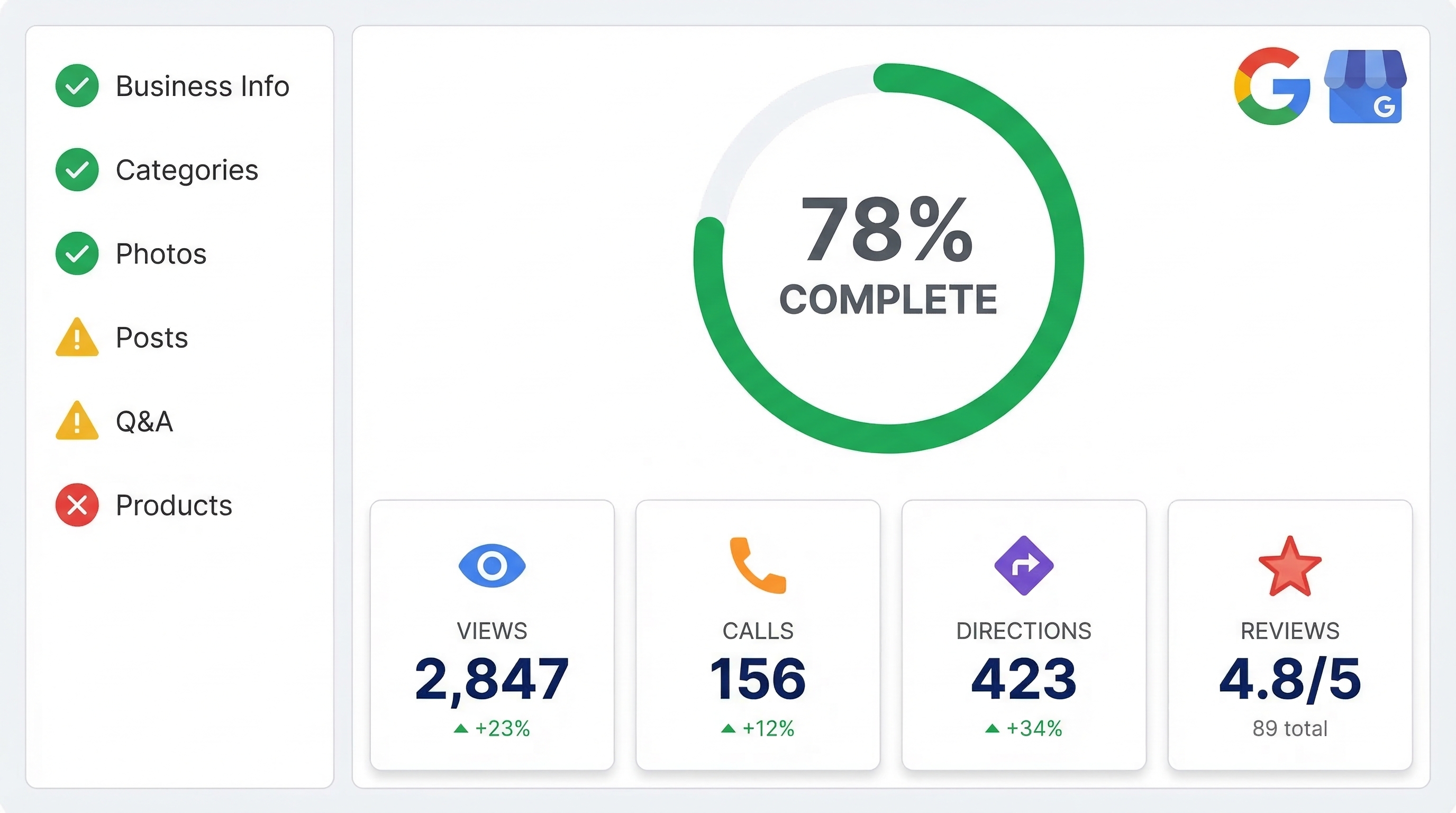
Use the Insights tab in your GBP dashboard. Track search views (how many people saw your profile), map views, and actions taken (calls, website clicks, direction requests). Compare month-over-month to measure improvement.
Maintenance Schedule
Weekly: Respond to all new reviews and answer any messages
Monthly: Upload 3-5 new photos and create 1-2 posts about promotions or updates
Quarterly: Review and update categories, services, and business description if needed
Annually: Audit your entire profile for accuracy and completeness
Measuring Your GMB Optimization Success
Optimization without measurement is just guessing. Your GBP dashboard shows exactly how your profile performs. Focus on three core metrics: search views, map views, and actions taken.
Search views tell you how many people saw your profile in search results. Map views show how many people found you through Google Maps. Actions taken includes website clicks, direction requests, and phone calls. That last one is your money metric. More actions means more customers.
Compare your numbers month-over-month. After implementing this template, you should see a 20-40% increase in profile views within 30 days. If you don't, revisit your categories and description. Those are usually the culprits.
Track Trends
Look for patterns in when people search for you and what actions they take
Set Benchmarks
Establish baseline metrics before optimization to measure real improvement
Iterate Fast
Test different photos, descriptions, and posts to see what resonates with your audience
For businesses serious about local SEO, your GBP is the foundation. Get this right and everything else gets easier. Get it wrong and you're invisible no matter how good your website is.
Ready to Dominate Local Search?
This template gets you started, but sustained local visibility requires ongoing optimization and strategy. Our team has helped dozens of local businesses increase their Google Business Profile visibility by 200%+ in 90 days. Let's talk about what's possible for your business.